Difference between revisions of "3D Printing Zone"
| Line 35: | Line 35: | ||
|- | |- | ||
| − | | | + | | |
| − | | | + | * Learn how to design your own objects (models) |
| − | | | + | * Find one on the internet. |
| + | |||
| + | | | ||
| + | * Learn how to "slice" a model and get it ready for printing | ||
| + | |||
| + | | | ||
| + | * Learn how to use the 3D printers at MakerFX | ||
|- | |- | ||
Revision as of 18:29, 28 July 2018
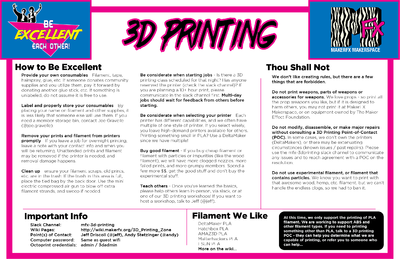
- Slack Channel: mfx-3d-printing
- Wiki Pages: you are here
- Point(s) of Contact: Jeff Driscoll (@Jeff), Andy Stetzinger (@Andy)
- Computer password: Same as guest wifi
- Ocotoprint credentials: admin / 3dadmin
|
ContentsDesign Something / Find Something To Print
|
Get Ready To Print (Slicing)
|
How to use the 3D Printers
|
 |
 |
|
|
|
|
Filament
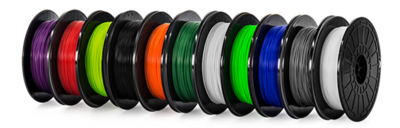 The type of filament used will influence how you configure the slicing software and what 3D printer can be used. | ||

